
FileGrant Enterprise is accessed through your company’s secure URL:
https://[yourcompany].filegrant.net
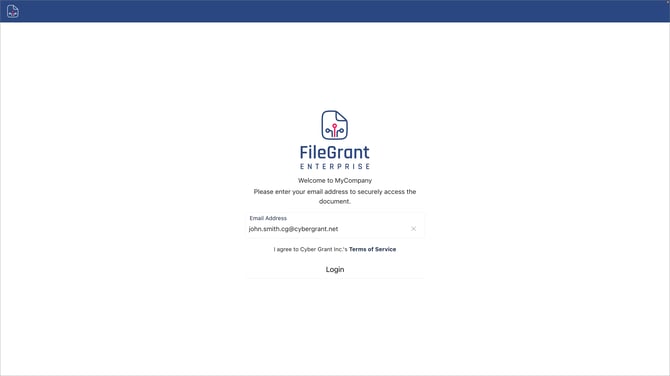
Log in with OTP
-
Enter your work email address.
-
Click Login.
-
Check your inbox for a 6-digit One-Time Password (OTP).
-
Enter the code on the next screen to complete sign-in.
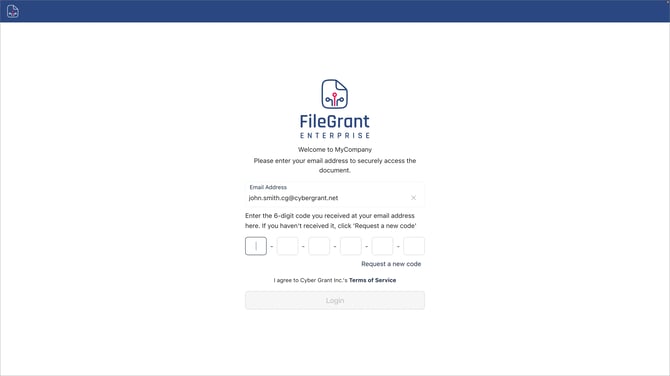
Click Resend OTP code in the bottom-right corner to request a new one.
OTP codes expire after a few minutes.
Log In with Single Sign-On (SSO)
If your organization has enabled SSO, you can sign in using your company credentials without entering an OTP.
Supported Providers
-
Google
-
Microsoft
How to Sign In with SSO
-
Go to the FileGrant login page.
-
Select your provider (Google or Microsoft).
-
Authenticate using your company credentials.
-
You will be redirected directly to your workspace.
SSO is available only if enabled by your organization’s administrator. If you do not see the SSO option, use OTP login.